UnieAI Parser workflows
Start UI parsing, Default Key background jobs, or synchronous PDF/image parsing.
UnieAI Parser supports one-time synchronous parsing and KB background processing that saves documents, builds indexes, and enables agent question answering. Choose the workflow that matches your goal.
- No code: follow create a KB and parse.
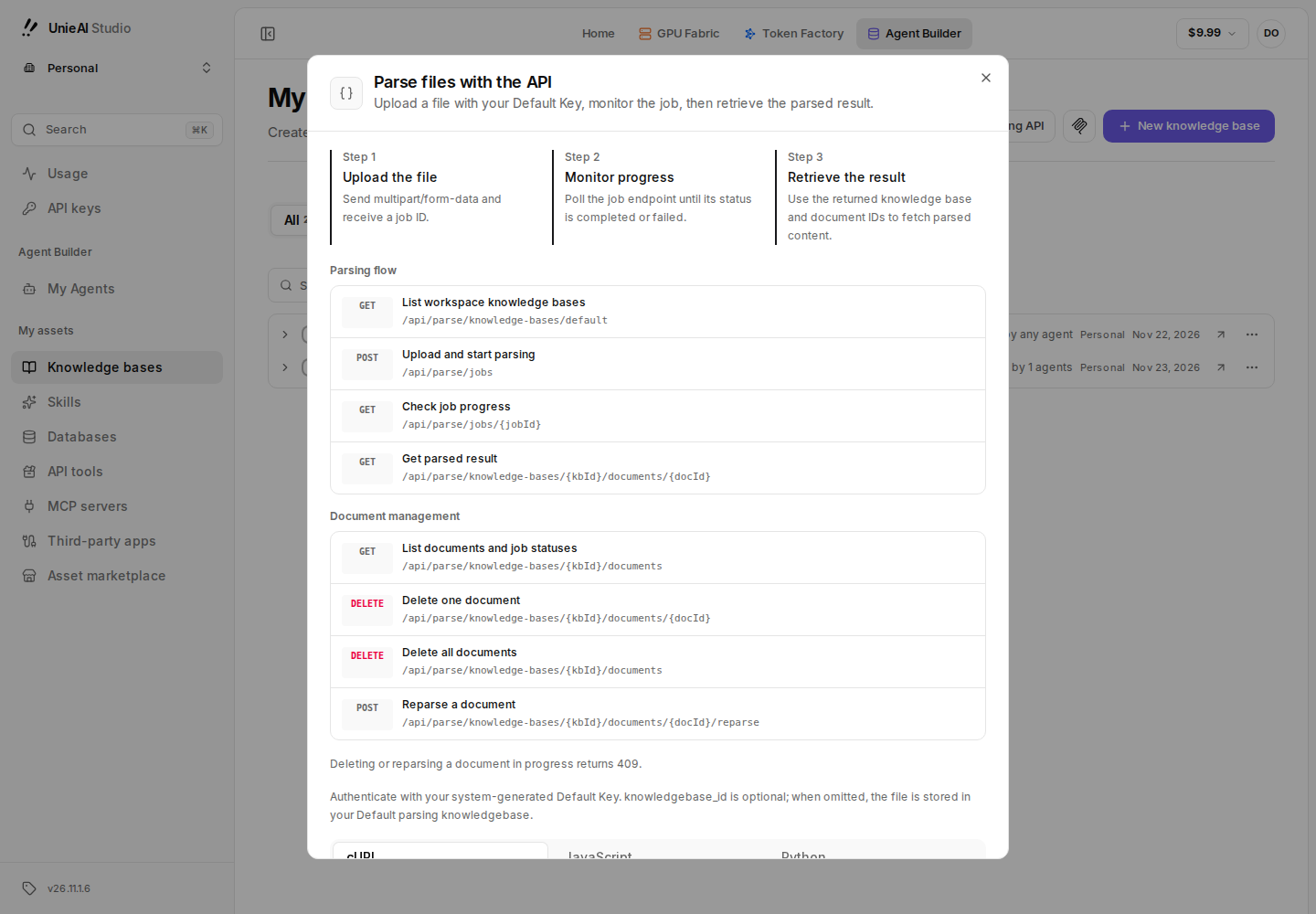
- Automation: follow the parsing API to obtain a Default Key, upload, poll, and retrieve.
- Document questions: follow the agent walkthrough and its three tests.
- One-time synchronous parsing: use the PDF/image examples in Parser quickstart.
| API | Purpose |
|---|---|
POST /api/parse/jobs | Upload → KB |
GET /api/parse/jobs/{jobId} | Progress |
GET /api/parse/knowledge-bases/{knowledgeBaseId}/documents/{documentId} | Markdown / summary / pages |
POST /api/parse/pdf | Synchronous PDF |
POST /api/parse/image | Synchronous image |
Parsing uses the Studio URL; search and chat /v1 APIs use Runtime. Follow the API guide for the correct key and endpoint.