Deploy & compute overview
Three kinds of things (physical machines, compute sources and virtual clusters), two roles, and the whole path from connecting a machine to a live app.
This area is about machines: connecting your own server to the platform, splitting it into virtual clusters to rent out, or renting one from the marketplace to use. Whichever side you are on — supplying compute or using it — you start here. If you only want to run the whole flow once, go straight to Quick start.
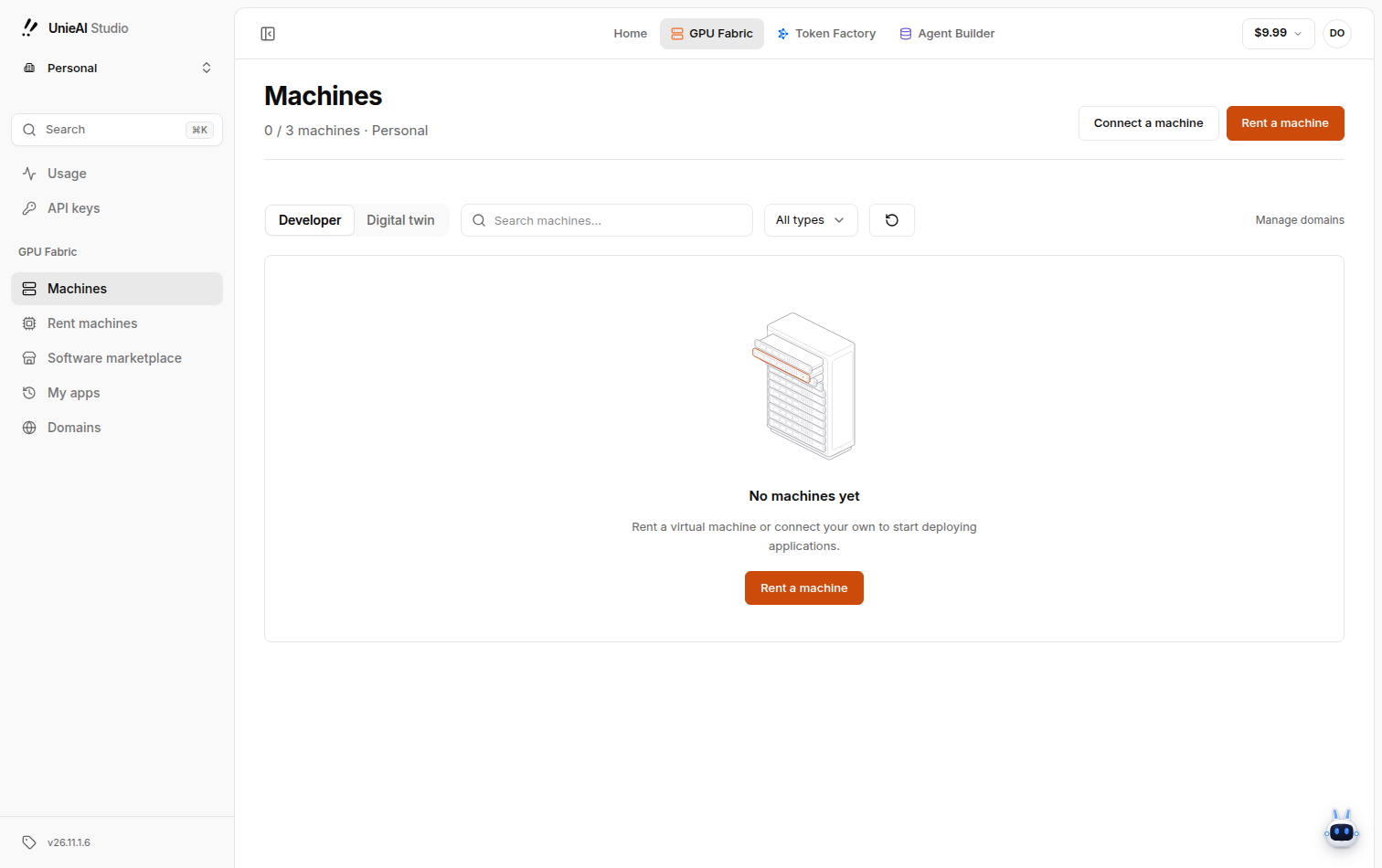
Three terms to learn first
This whole area turns on three things. Keep the words apart and no later step sends you to the wrong screen. A virtual cluster is the only way the platform splits compute, and the interface never calls it a "VM".
| Term | What it is | Where you see it |
|---|---|---|
| Physical machine | One of your own servers. Once it is connected you can deploy apps on it directly | GPU Fabric → Machines |
| Compute source | A physical machine that has been converted to be split up, so it is no longer used for ordinary deployments | Compute provider → Compute sources |
| Virtual cluster | A slice cut from a compute source, with its own CPU, memory and GPUs. You can deploy apps in it on its own, or deliver it to someone else | Compute provider → Listings & pricing; on the renter's side, Machines → vCluster |
Two roles, two paths
Compute provider is a role a system administrator grants. Only after you have it does a Compute provider switcher appear at the lower left.
What gets rented is the project or personal account, not "you" as a person. Whichever one you submit the request under receives the machine, and every member of it can see the machine and deploy on it.
I want to supply compute
- Connect your machine: bring the server into the platform
- Supply compute: convert it into a compute source, cut out virtual clusters, list them in the marketplace
I want to use compute
- Rent compute: submit a rental request and wait for the supplier to approve it
- Set up a domain: create a domain and finish cluster setup
- Deploy an app: run n8n, a large language model or a development environment on the machine
What the full flow looks like
Supplier                                   Renter
──────────────────────────────────────────────────────────────
Connect a machine
   ↓
Convert it into a compute source
   ↓
Cut out a virtual cluster (CPU / memory / GPU)
   ↓
List it in the marketplace  ────────────→  See it there, submit a request
   ↓                                            ↓
Approve and deliver         ────────────→  The machine shows on the Machines page
                                                ↓
                                             Create a domain → Configure the cluster
                                                ↓
                                             Deploy an app
Current limitations
Stated plainly, so you don't go hunting for an entry that isn't there:
- Once a machine is converted into a compute source, the interface has no way to convert it back or delete it. Before you convert, make sure the machine really is reserved for splitting.
- Usage is already metered, but billing has not started. A supplier sets an hourly rate (per core / per GiB / per GPU) and a renter accrues against the specs and hours actually held. The numbers are visible — under the Token usage → Compute usage tab, on the spend card on the Machines page, and on the supplier's earnings page. The platform does not debit the wallet yet: it accrues for reconciliation first and switches billing on once the numbers check out.
- Only apps on the UnieInfra inference engine need the license set on that compute source. Ordinary apps deploy without one. See Supply compute.
Next steps
- First time here → Quick start
- You already have a server → Connect your machine
- You have no machine yet → Rent compute