API tools: create and connect a service
Configure an API-tool asset, its connection, callable operations, parameters, and agent binding.
1. Open API tools
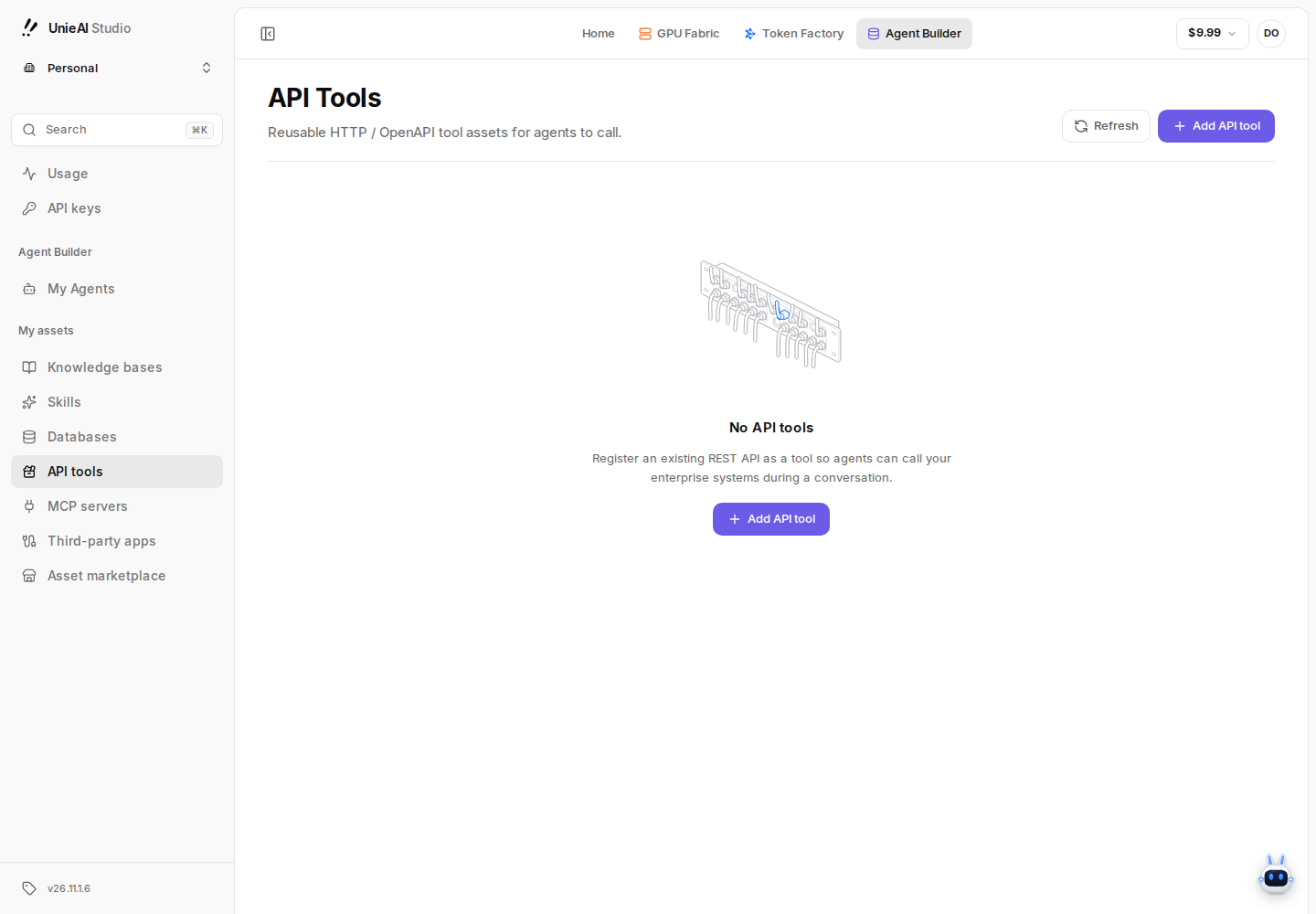
Choose the current project or personal account, open Agent Builder → API tools, and click Add API tool. Create the asset in the current project or personal account where the agent will use it.
2. Define the tool
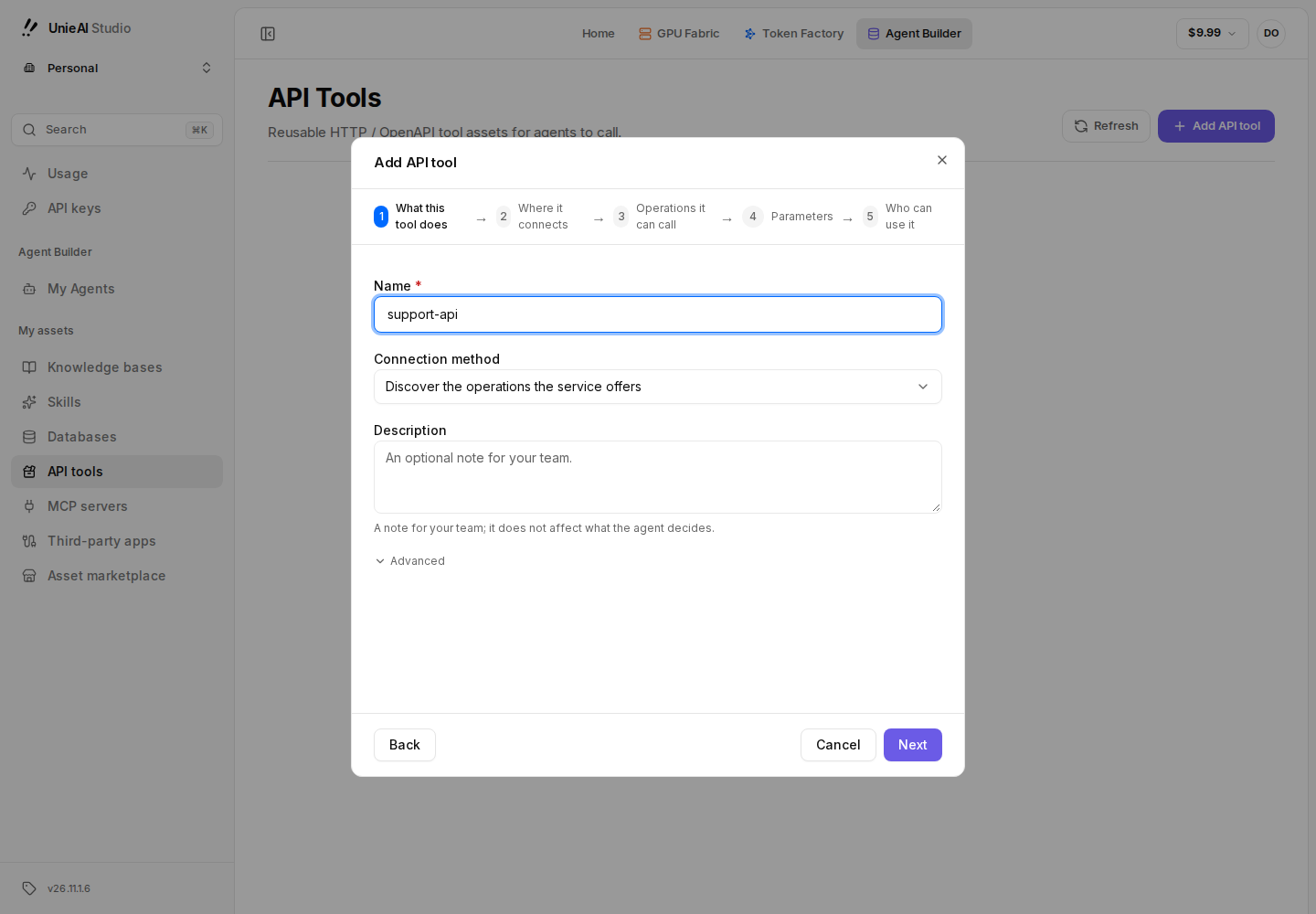
Enter a recognizable name and optional team notes. Choose service discovery when the service exposes discoverable operations. Choose a single endpoint when you are defining one operation yourself; provide a routing instruction explaining when the agent should call it. Continue to the connection step.
3. Configure the connection
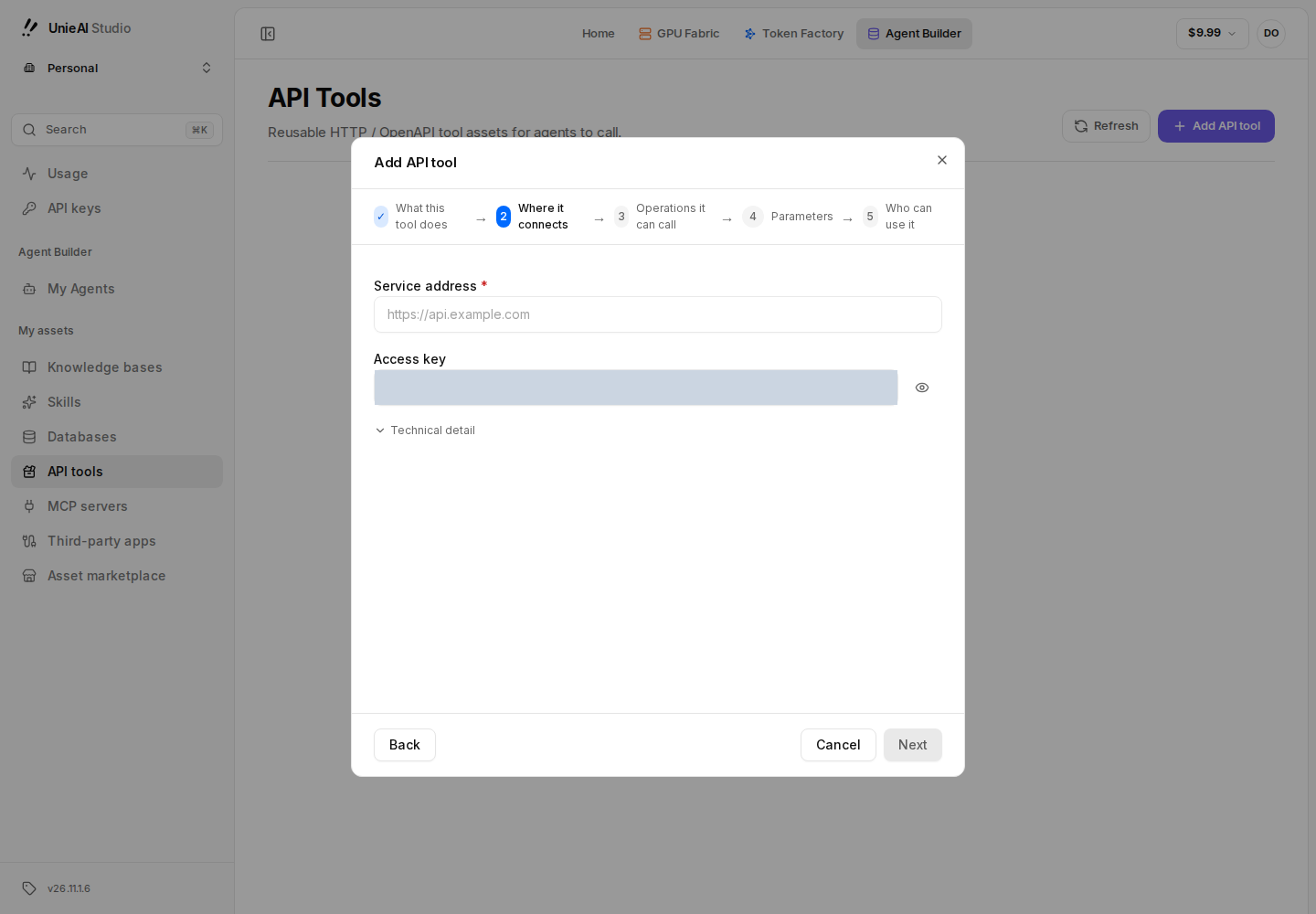
Enter the real base URL and the credentials required by your service. Replace the example.invalid address shown in the screenshot. Keep credentials in the authentication field rather than the description. Continue and inspect the operations offered by discovery, or define the method and path for a manual endpoint.
4. Review parameters and access
Check each callable operation and its argument schema. For a manual endpoint, make sure required arguments and any payload template match the service. Select the allowed users or projects in the access step, then create the tool. A discovered operation is not a successful API test: test with a non-destructive request first.
5. Bind and verify
Open the target agent’s Setup → Assets → API tools and select the new tool. The answering model and execution engine must support tools. Start a new Playground conversation with a question that requires the API. Inspect the tool event, arguments, service response, and final answer. If the asset is missing, verify project or personal account, access, and enabled state.
After changing URL, authentication, operations, or schemas, save the asset and repeat the same test. See agent setup and guardrails.