Project or personal account and current UI navigation
Top service tabs, left menus, and project or personal account scope in the platform.
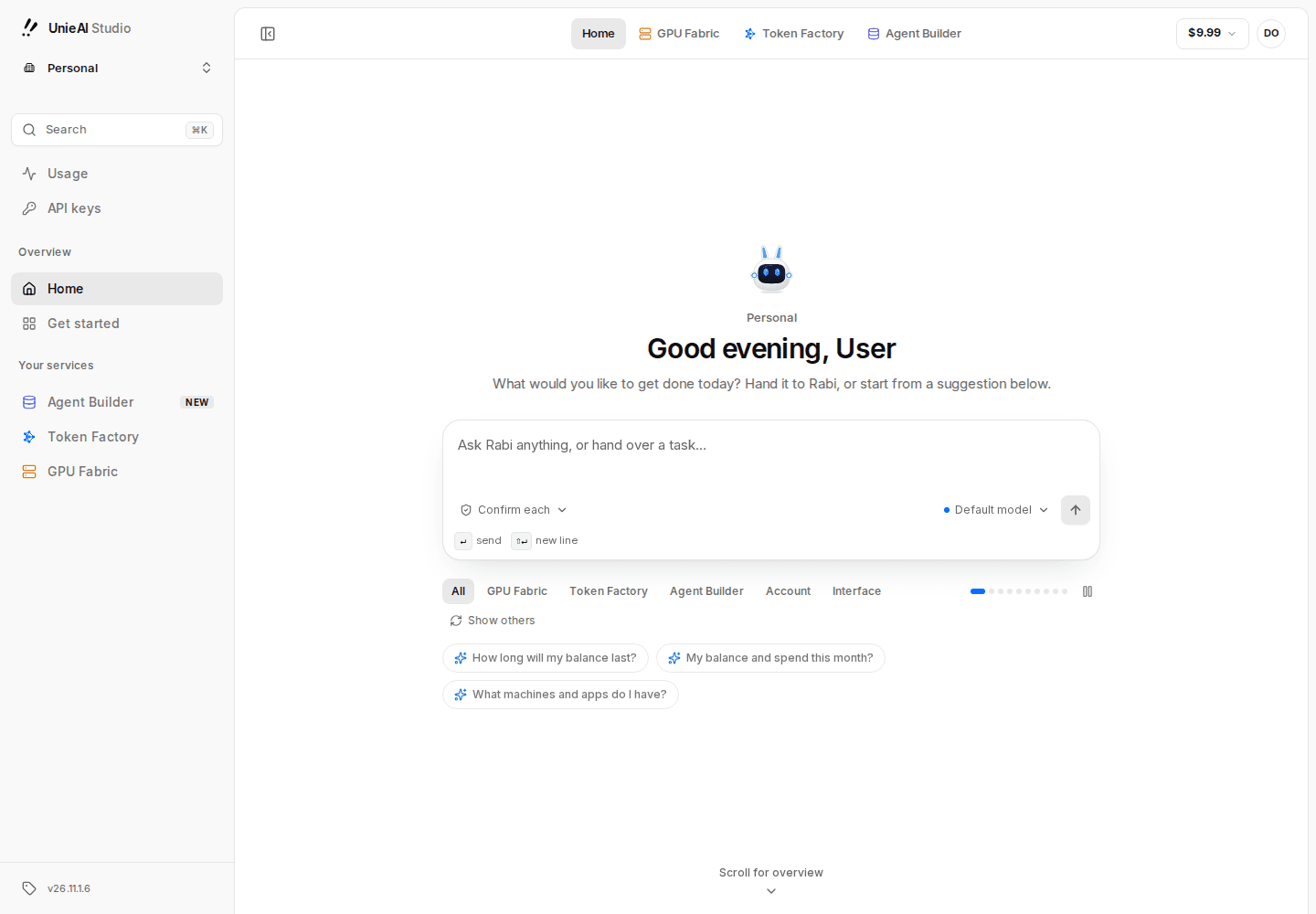
Choose a personal account or project at the upper left. Models, agents, knowledge bases, API keys, wallet, and usage follow the current project or personal account.
Current entries
| Entry | Where | Use |
|---|---|---|
| Home | Top Home tab | Project or personal account overview and Rabi |
| Model Zoo, My Models, Playground | Top Token Factory tab | Choose and test models |
| My Agents, Knowledge bases, Skills, Databases, API tools, MCP servers | Top Agent Builder tab | Build agents and connect assets |
| Compute | Top GPU Fabric tab | Compute resources and deployments |
| Usage and API keys | Fixed left menu | Billing and credentials |
| Plan and wallet | Balance menu at upper right | Balance, extra usage, and top-up |
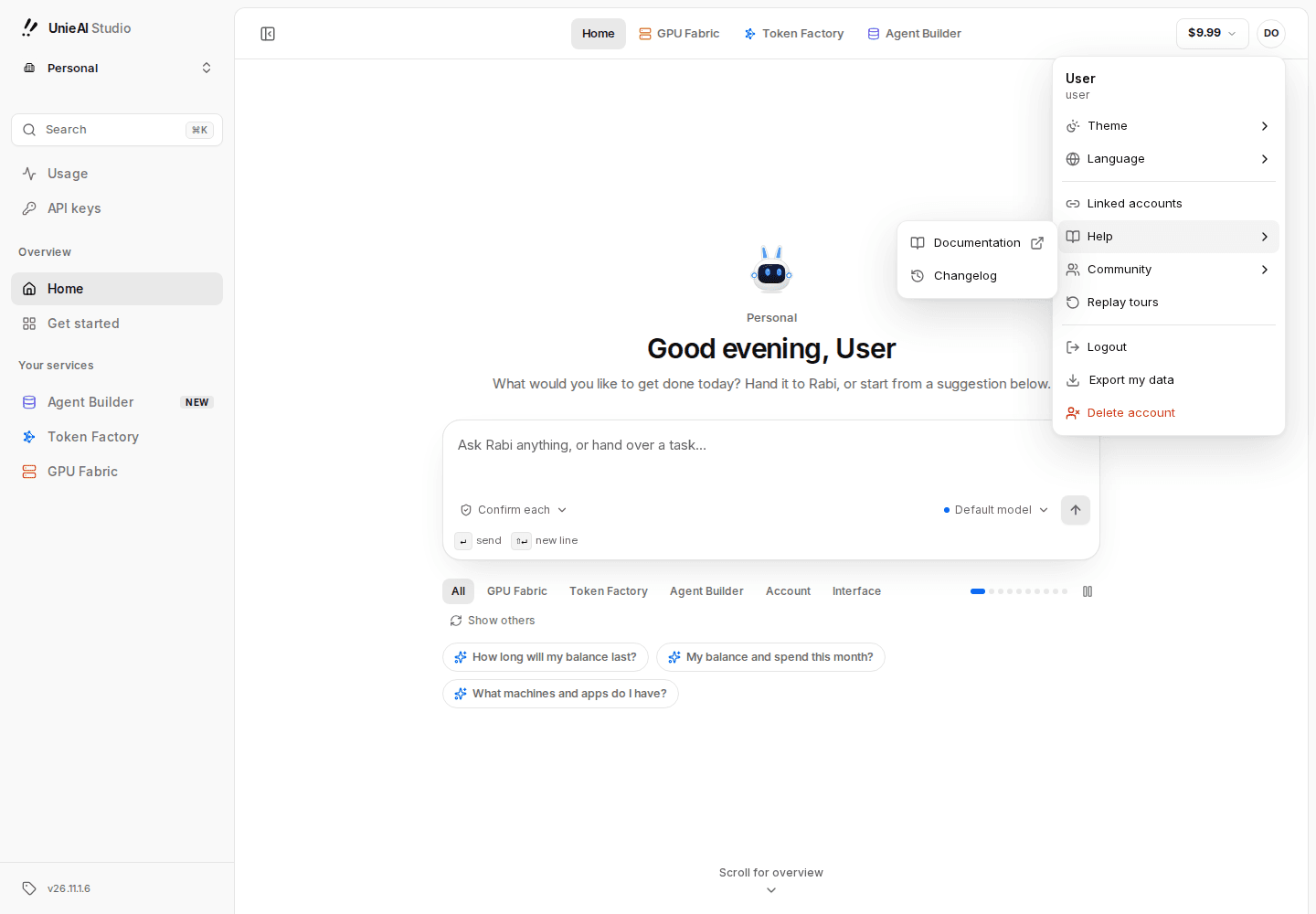
| Documentation and changelog | Upper-right avatar → Help | Guides and release details |
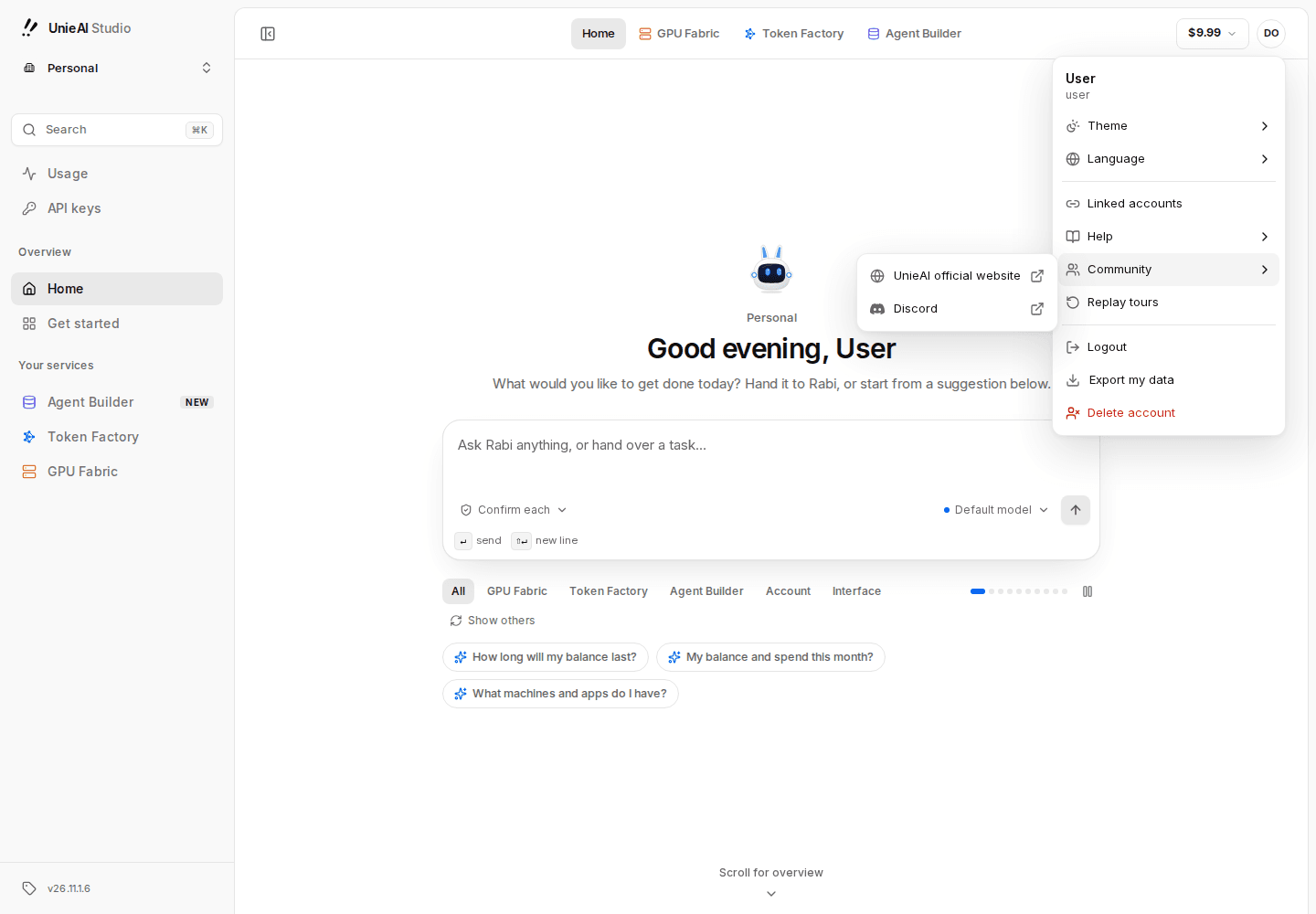
| UnieAI website and Discord | Upper-right avatar → Community | Official and community links |
| Version | Bottom of the sidebar | Current platform version |
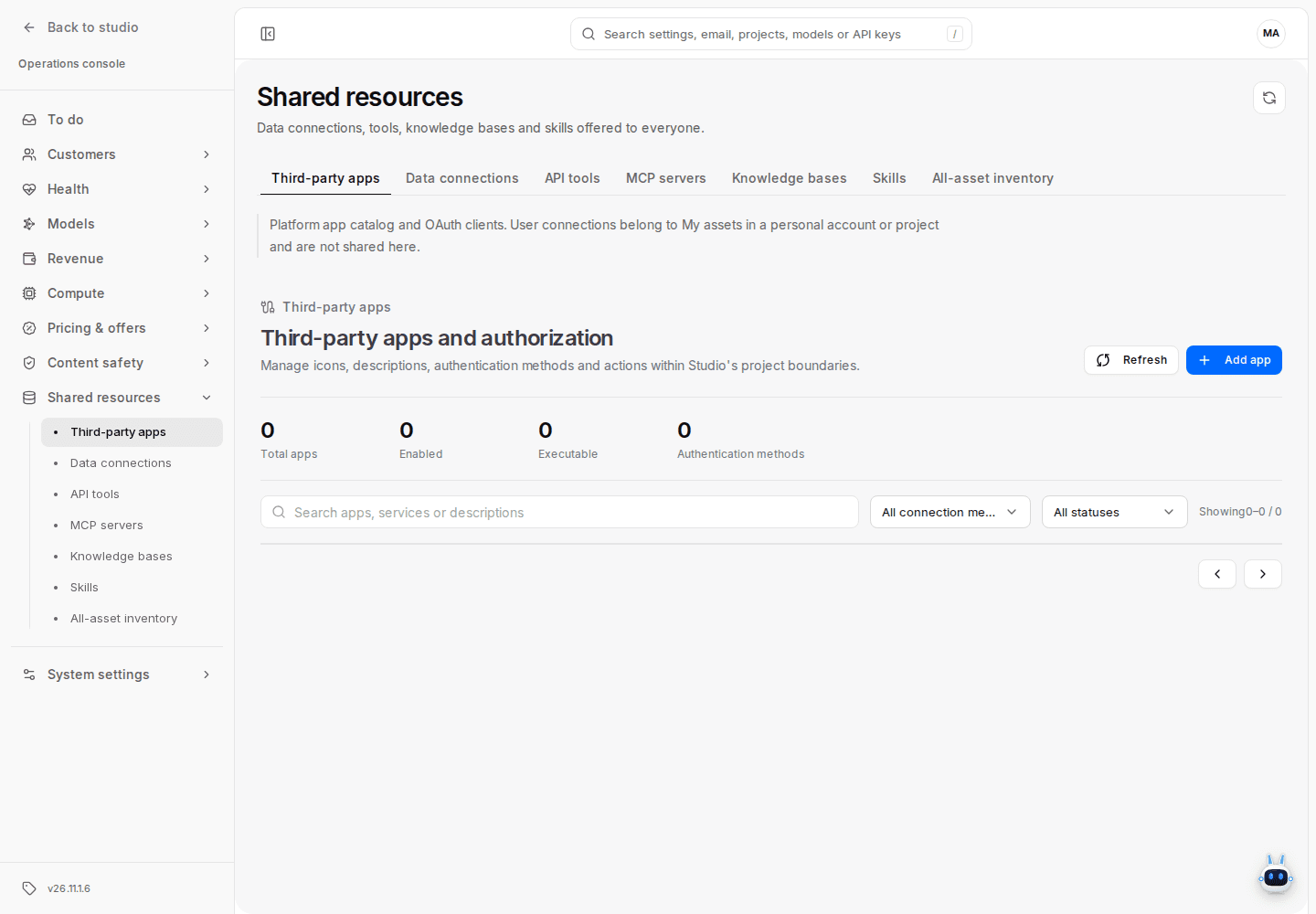
Administrators can open the admin panel or compute provider console from the sidebar footer. These switches are omitted inside the admin panel. Shared resources expands to show its asset sections.
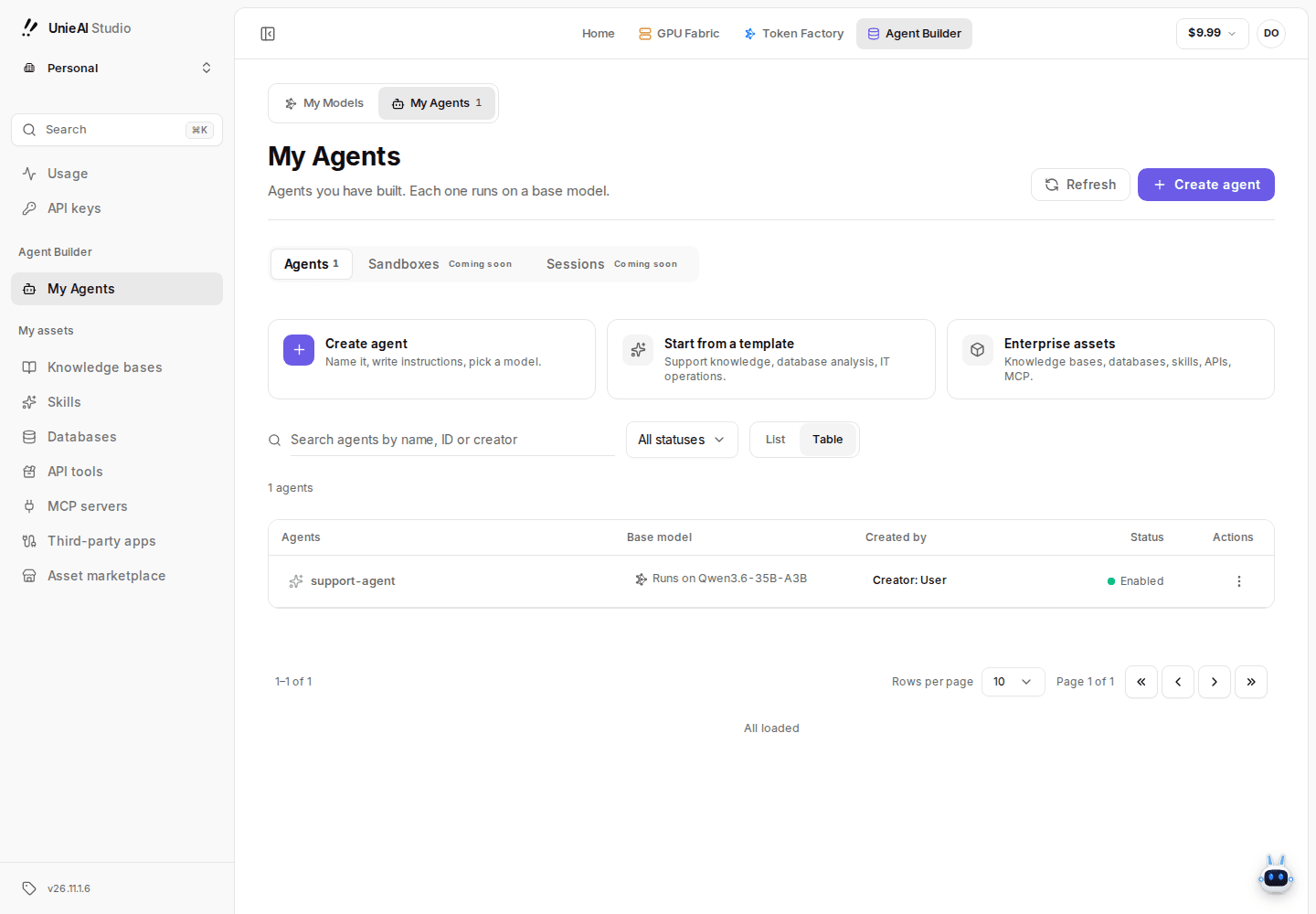
In Agent Builder, create an agent from My Agents and open reusable resources under My assets. Token Factory My Models lists base models adopted by the current project or personal account.
Knowledge bases and skills use tree lists: click a name to enter the resource, or its left arrow to expand children.
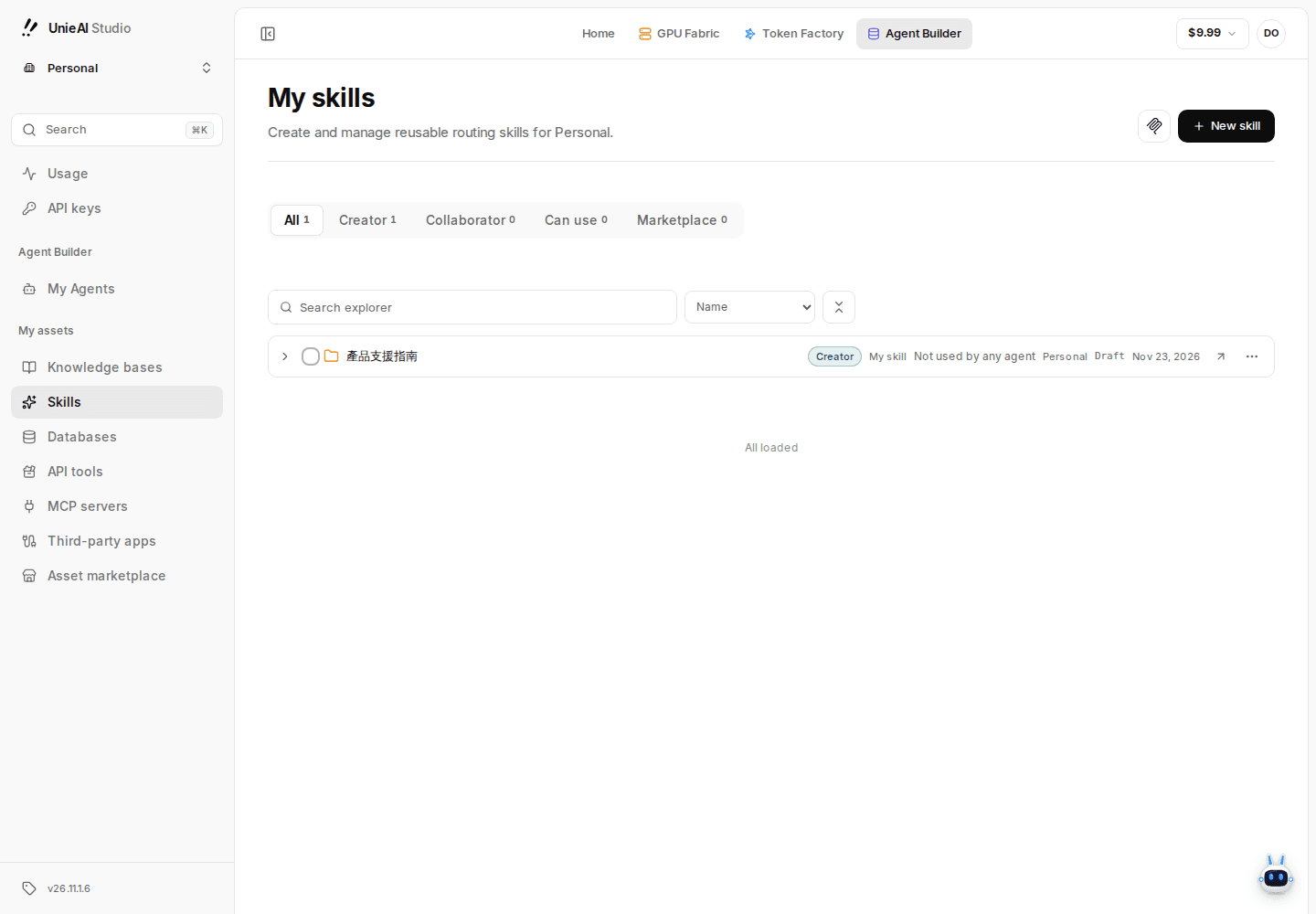
Check the current project or personal account selector before creating assets or uploading documents. The parsing API also uses the current project or personal account that owns its Default Key.