Document agent acceptance checks and diagnosis
Verify models, documents, retrieval, agent behavior, and API access one layer at a time.
After the complete walkthrough, use this checklist. Keep the current project or personal account, input document, and questions fixed so that configuration changes are comparable.
1. Record the resources
| Item | Record | Pass condition |
|---|---|---|
| Project or personal account | Personal or project name | Models, KB, agent, and key target the same project or personal account |
| Answering model | Model name | Adopted, usable, Tool Calling capable |
| KB | Name and ID | At least one indexed document |
| Document | Filename, ID, version | Correct text visible in parsed content |
| Agent | Name and model ID | Instructions saved, KB attached, tool engine selected |
If resources are missing, check project or personal account and permissions before creating another resource with the same name.
2. Accept document parsing
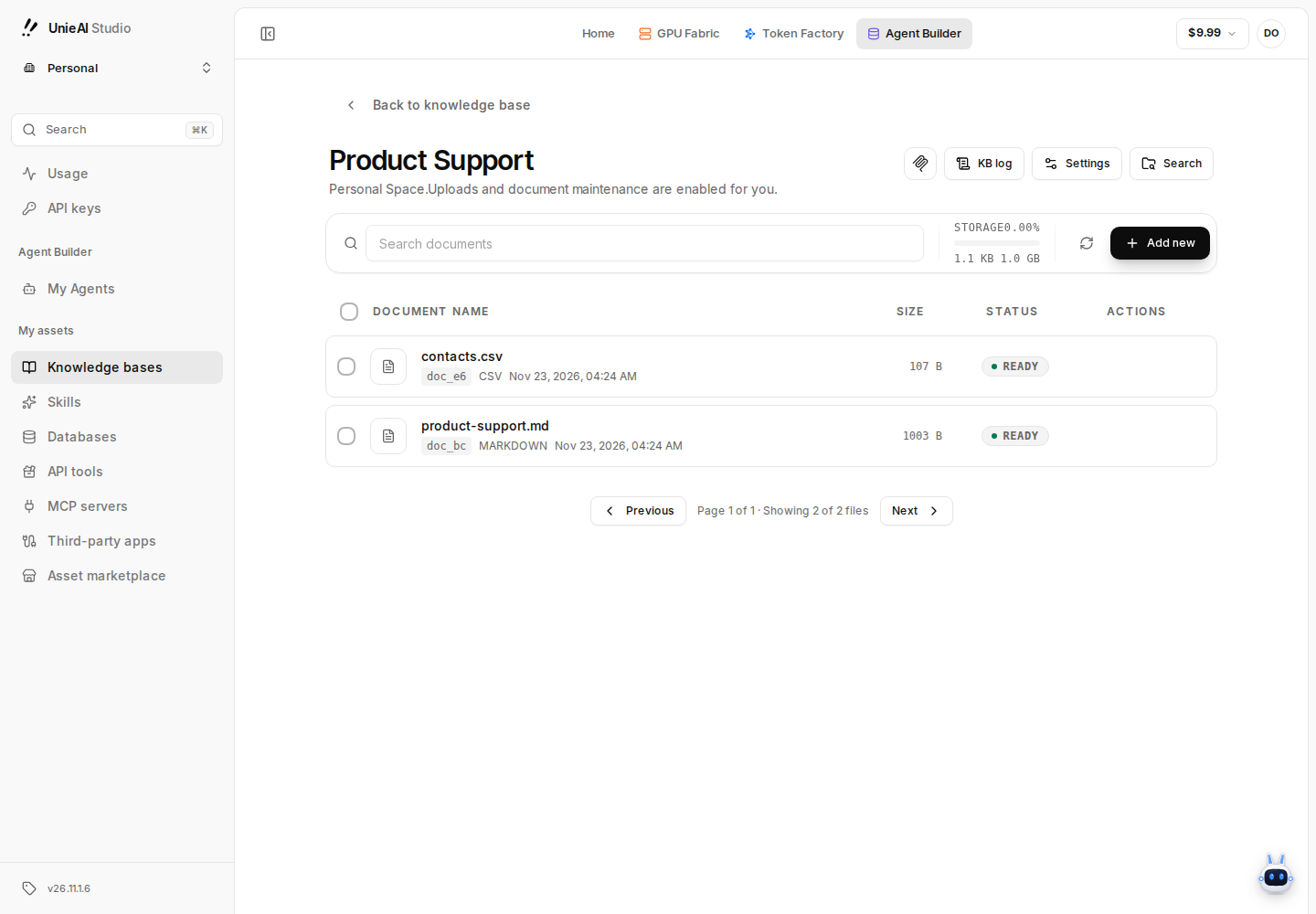
- Open the KB and inspect state and failed-page count.
- Open view document content and pick three known paragraphs, values, or table fields.
- Compare each against the input; check page alignment for PDFs.
- Resolve failed-page causes, then use Retry failed pages. Use Reparse document when the whole stored file needs processing again.
Pass: indexing is complete and important content is accurate. For partial results, explicitly identify the missing pages.
3. Accept KB search
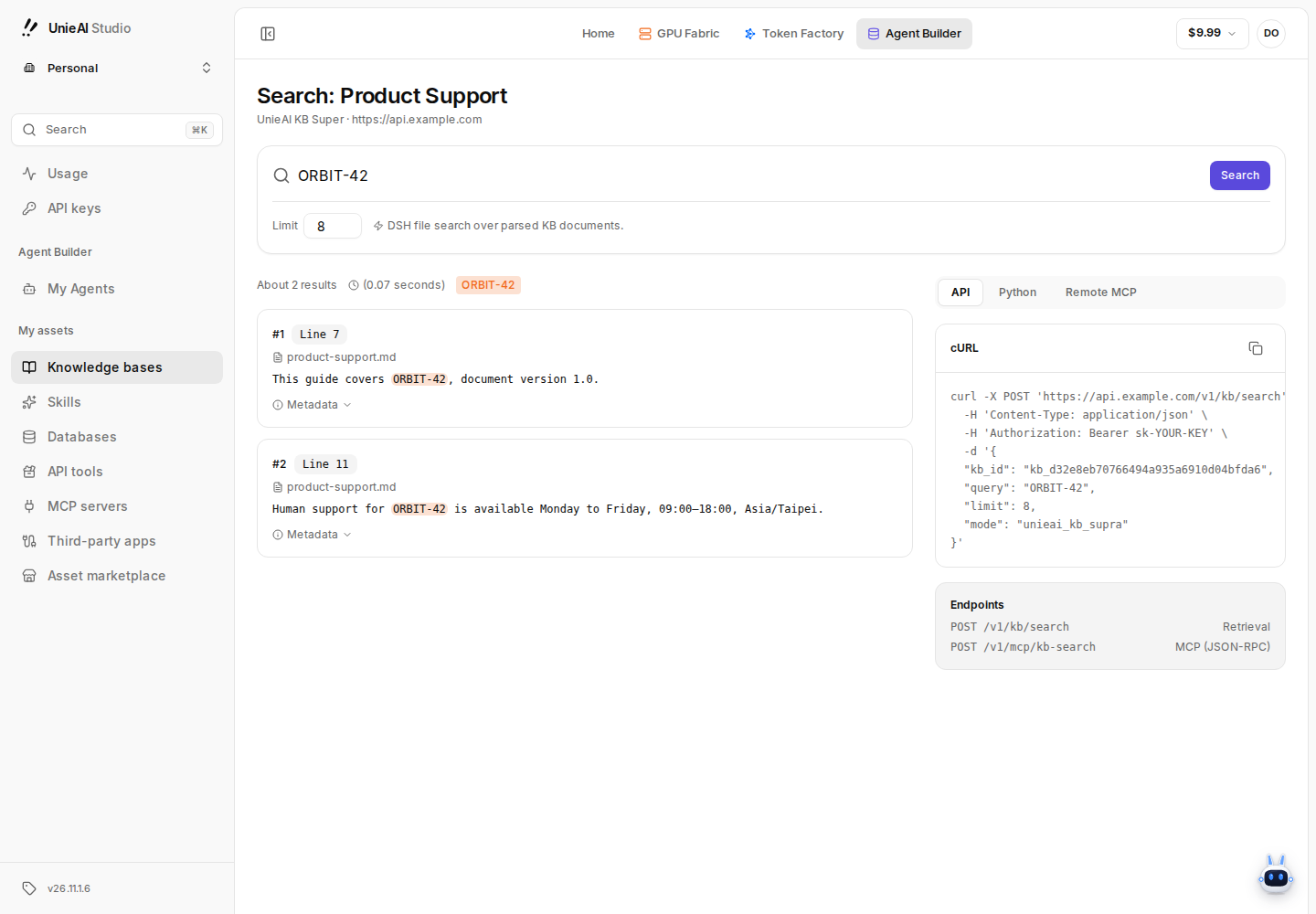
- Open KB Search.
- Test exact terms, then a natural-language question.
- Inspect source and text, not only score.
- For missing results, check completed parsing, the document version, query text and search scope; a similarity threshold does not filter KB Super matches.
Pass: the sample returns ORBIT-42 support hours and ERR-102 instructions.
4. Accept agent behavior
- Check the KB remains selected in Setup.
- Check instructions were saved and the engine is not Plain model.
- Click Try in Playground, select the correct agent, and start a new conversation.
- Ask a fact, a synthesis/procedure question, and a question absent from the document.
- Inspect available tool events and citations.
| Test | Sample expectation |
|---|---|
| Support hours/timezone | Monday–Friday, 09:00–18:00, Asia/Taipei |
| ERR-102 | Check synchronization, then wait or report failure as appropriate |
| Price | State that no price is provided |
5. Accept code integration
- Parsing API: Default Key, upload 202, polling completed, result 200.
- Verify Markdown, summary, and pages as well as HTTP codes.
- Agent API: Runtime URL and the agent's model ID.
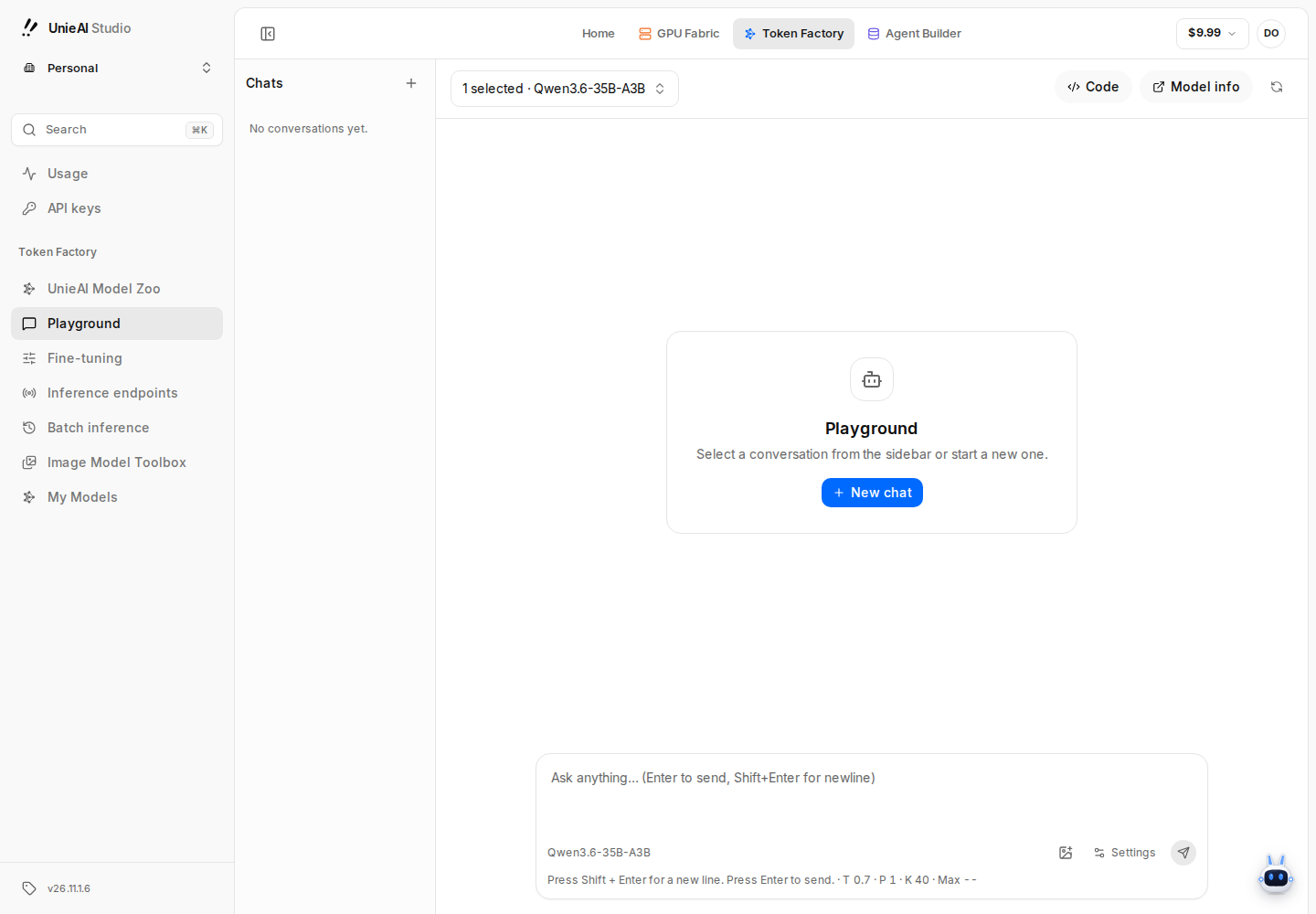
- Repeat the Playground question and compare evidence and answer.
Choose the next diagnostic action
| Symptom | First check |
|---|---|
| Document stays queued | Start action, queue message, balance, parsing services |
| Parse fails | Stage error, configured model access, balance, source format/content |
| Parsed but no search results | Index, query terms, threshold, actual KB |
| Search works; agent ignores evidence | Attachment, engine, Tool Calling, selected agent |
| Citation present but answer wrong | Original evidence, versions, conflicts, prompt, history |
| Playground works; API differs | Runtime URL, project or personal account, model allowlist, agent ID |
| API 404 | Actual IDs, project or personal account, initiating identity; a different key scope may not read the resource |
Fix one layer and rerun the same test. Reports should include time, project or personal account, KB/document/job IDs, request ID, and error, without a key.
Step by step: build an agent that answers from documents
Use a downloadable sample to prepare models, parse a KB document, verify search, configure an agent, and test it in Playground.
Call an agent from code, step by step
Verify the agent, Runtime URL, key, and model ID, send a request, and compare the answer.