Asset marketplace and Model Zoo
Find models in Token Factory and reusable assets in Agent Builder.
Model Zoo
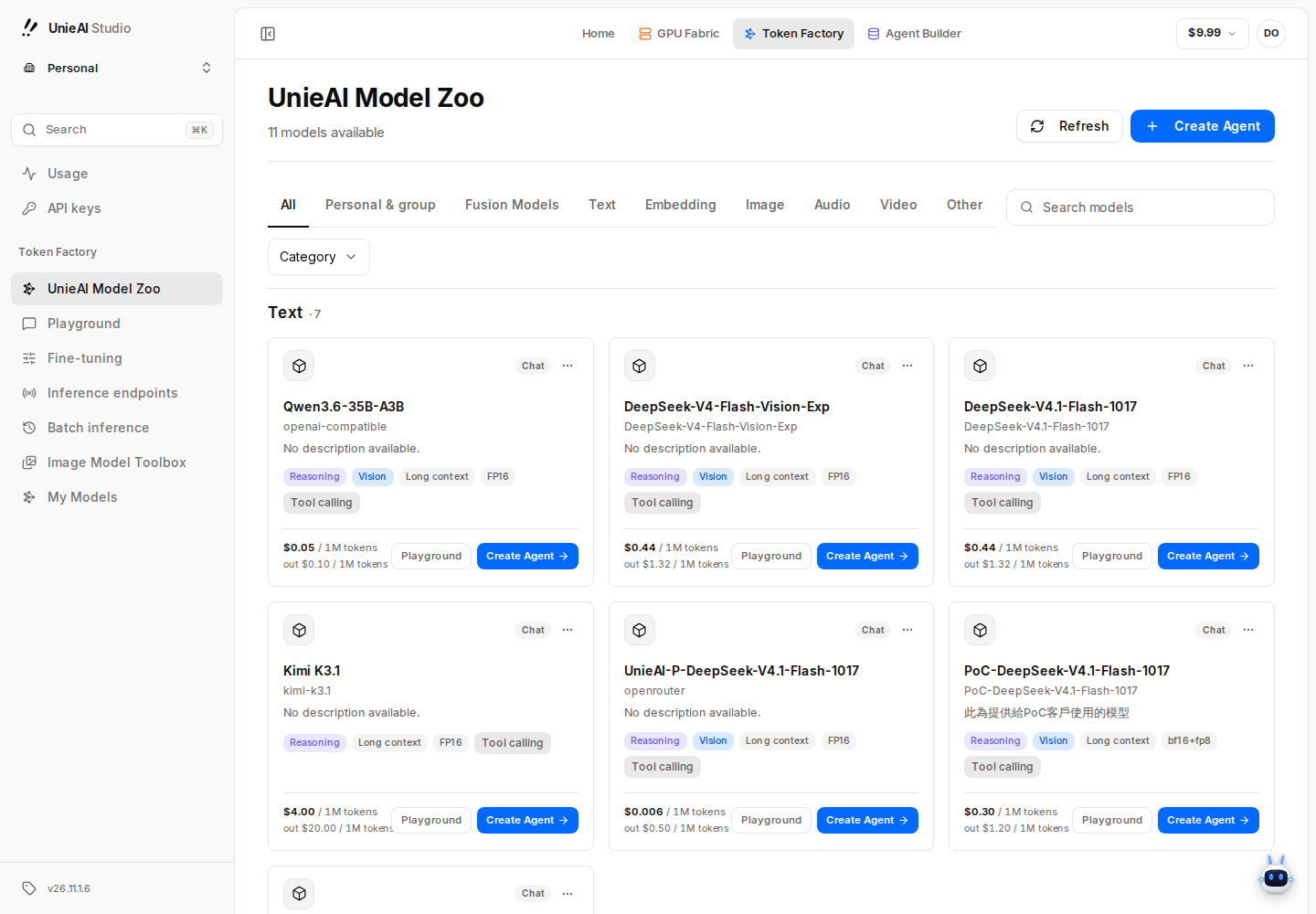
Use Token Factory → UnieAI Model Zoo to find base models. Select Use base model on a card to add it to My Models in the current project or personal account.
Asset marketplace
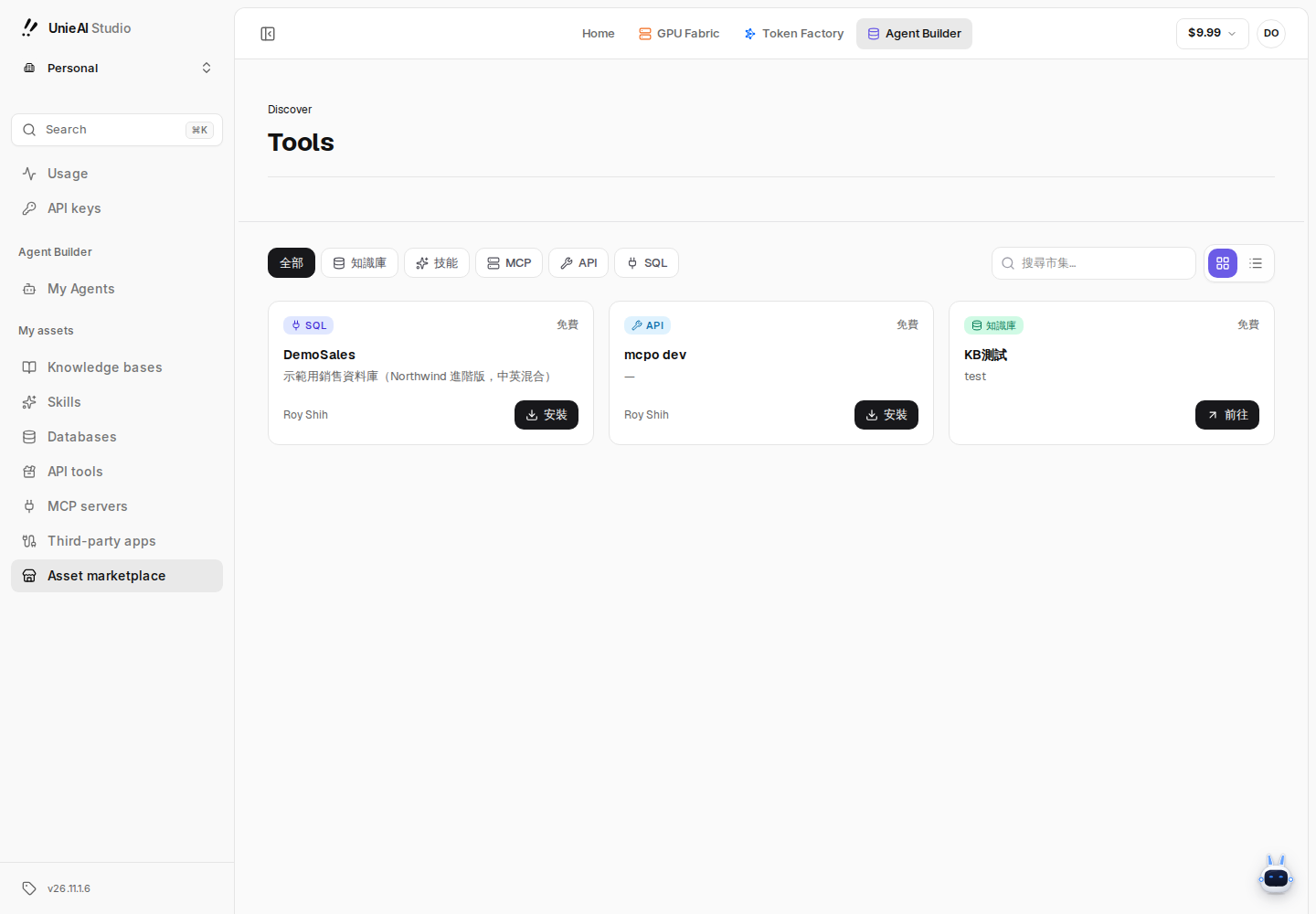
Use Agent Builder → Asset marketplace to find knowledge bases, skills, MCP, API, and SQL assets. Follow the item’s install, adopt, or open action, then verify it in the matching asset page.
Models and marketplace assets are scoped to the current project or personal account selected at the upper left.